Almost 3 in 5 small businesses currently have invoices that are 30 days overdue or more, compared to less than half of the year before. Many small businesses constantly struggle with a significant volume of outstanding payments. If that sounds familiar, the problem usually isn't your clients, it's a broken invoicing process.
TL:DR
- You need 4 things to make an invoicing process work. Clear payment terms, a regular sending schedule, easy online payment and reminders before the due date.
- Over 59% of small businesses have invoices that are older than 30 days and the average business is owed $17.7K.
- Payment terms tell us who is paid. Thirty-four percent of businesses without overdue invoices require payment up front, while 64% of businesses with overdue invoices require payment up front.
- Send the first reminder before the due date, not after it. Automated reminders save about 3 hours/week.
Why your invoicing process actually matters
In short, an invoice is the document that asks to be paid. Businesses selling on credit depend on invoices to keep cash moving. When payment arrives after the work is done rather than at the point of sale, a solid billing process is essential.
When the process breaks down, the damage compounds. Those businesses which require immediate payment are nearly twice as likely to have no past due invoices: Only 34% of businesses with overdue invoices request payment in advance, compared to 64% of businesses with no overdue invoices. Payment terms alone explain a meaningful share of who gets paid on time and who doesn't.
The gap widens with longer terms. Industry data shows a clear pattern. Over half of businesses with net-30 terms carry overdue invoices. By contrast, only 26% of those requiring immediate payment face late fees. Since the terms you set shape the outcome before a single invoice goes out, that's the right place to start fixing the process.
10 tips for a flawless invoicing process
1. Set clear payment terms before the work starts
Set your rules before you send the first invoice, not after a late one. Pick your payment window (net-15, net-30, or due on receipt), what counts as a late payment, whether you charge a late fee, and how you bill for revisions or scope changes.
Once you've decided, put the terms in writing and confirm them with the client before the project begins. In practice, a conversation up front costs five minutes. A dispute over unstated terms costs a lot more.
2. Learn how your client actually wants to pay
Every client has a preferred payment method and billing rhythm. Find out whether weekly, biweekly, or monthly billing best fits their cash flow. A short form or quick two-minute call spots these preferences before they cause delays later on.
If a client's preferred method doesn't work for you, negotiate it before the project starts rather than after the first invoice bounces. Once you know their constraints, you can set a payment cadence that fits both sides.
3. Put everything the client needs on the invoice itself
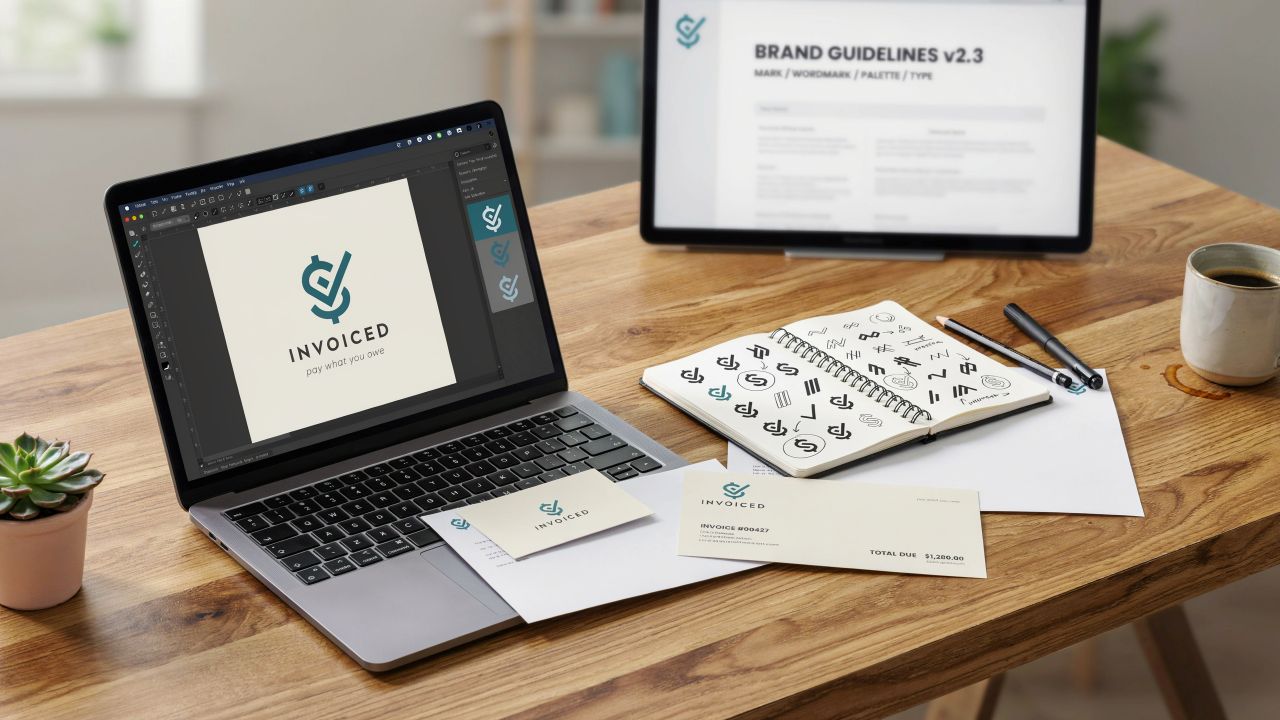
An invoice should answer every question a client might have before they even ask it: your business name, logo, contact details, invoice number, a clear description of what was delivered, the amount due, the due date, and your late fee policy if you have one.
Use the same template every time. Changing your invoice design confuses clients about what they owe. Clear, simple invoices lead to faster payments..
4. Invoice on a consistent schedule
Pick a cadence, weekly, biweekly, or monthly, and stick to it. Small teams often juggle multiple roles, making it easy to forget an invoice send. Unfortunately, every missed invoice accidentally extends your credit period.
A consistent schedule keeps cash flow predictable and establishes a reliable invoicing process your clients can anticipate.
5. Send reminders before the due date, not just after
Most modern invoicing platforms allow you to schedule automated reminders. Set one a few days before the due date as a courtesy nudge, then a second right after, then escalate from there if needed.
This saves more than a bit of time. Automated reminders save owners about three hours a week on manual follow-up. Furthermore, offering online payment options can help you get paid up to twice as fast. In short, that's real time back in a business owner's week, not just a faster payment.
6. Make it easy to pay online, in more than one way
Requiring a printed, mailed check adds days to your payment cycle before the client even decides to pay. Accept card payments, bank transfer, and at least one digital wallet option like PayPal or Google Pay, and put a clickable "pay now" link directly in the invoice email.
Since most invoicing platforms bundle payment processing in, this is usually a setup task rather than a new subscription. Once it's live, clients can pay in the same motion as opening the email, and that alone removes one of the most common reasons a payment stalls.
7. Personalize the follow-up before you escalate
If an invoice goes unpaid past the reminder stage, resist the automated-only approach. A short, personal email two or three days after the due date, checking whether the client needs help with the payment process rather than simply demanding money, resolves a surprising number of stalled invoices.
Save the fully automated reminder sequence for after that personal touch hasn't worked. People respond differently to a human note than to a templated nudge, especially when the delay is genuinely about confusion rather than unwillingness to pay.
8. Have an actual plan for chasing overdue invoices
Still, every business will eventually have a client who doesn't pay on time, regardless of how good the process is. Set your step-by-step plan early. Send a gentle reminder at 7 days late and make a quick phone call at 14 days, a formal notice with a specified late fee at 30, and a clear point at which you involve a collections service or stop further work.
Keep any late fee reasonable and clearly disclosed up front. An unexpected penalty creates disputes rather than resolving them. If you offer an early-payment discount alongside the late fee, you're giving clients two reasons to pay on time instead of one.
9. Choose invoicing software that actually fits your business
In practice, manually building each invoice in a document editor doesn't scale past a handful of clients. Manual invoicing remains the single largest internal bottleneck in business bill payments, in recent accounting surveys, 74% of small businesses admitted their billing processes were not fully automated.
Look for software that covers templates, saved client details, automated reminders, and a clear dashboard showing pending and overdue payments. Most major platforms offer a free trial, so test one against your actual invoice volume before committing.
10. Let your team invoice from anywhere
A field sales team or on-site service crew can't invoice from a desktop, and if invoices wait until someone gets back to the office, the whole cycle slows down. Most invoicing platforms have a mobile app that lets anyone on the team generate and send an invoice on the spot, right after a job wraps.
That single change often does more for your average time-to-invoice than any reminder sequence, since the invoice reaches the client it's the document that confirms payment was actually paid.
Where a receipt fits into your invoicing process
Overall, everything above is about invoices, the document that asks a client to pay. A receipt is the opposite half of the same transaction: it's the document that confirms payment was actually received.
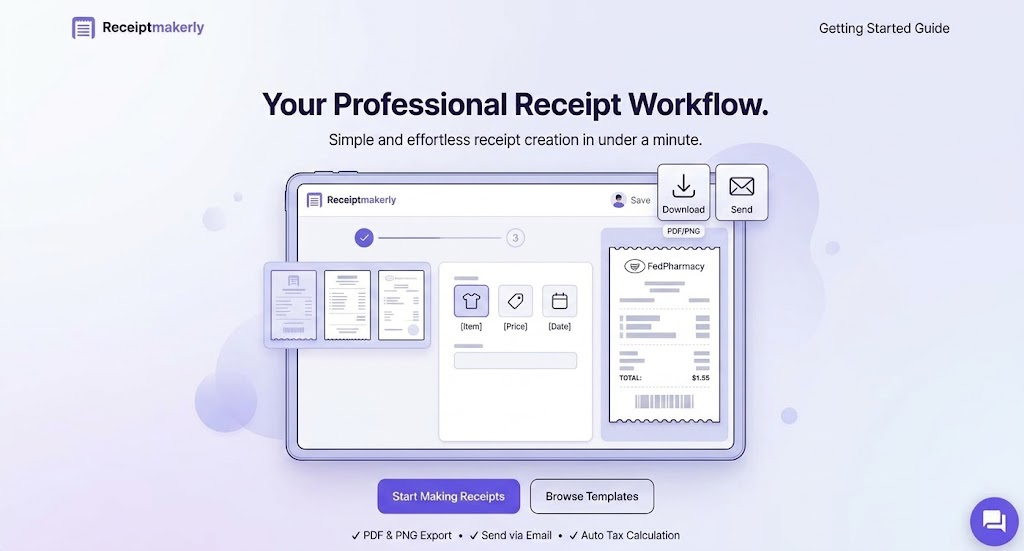
Once a client pays an invoice, closing the loop with a clean receipt does more than tidy the paperwork. As a result, it gives the client something to keep for their own records, and it gives you a documented, timestamped confirmation if a payment dispute ever comes up later. Receiptmakerly generates that receipt, with 50+ customizable templates, automatic tax calculation, and PDF or email delivery, so the confirmation looks as professional as the invoice that preceded it.
To be clear about the boundary here: Receiptmakerly doesn't manage the invoicing process itself. It won't schedule reminders or track which clients still owe you money. Use dedicated invoicing software, like the tools mentioned in tip 9, to run the invoice side of the cycle, and use Receiptmakerly to issue the receipt once payment clears.
Frequently asked questions about Invoicing process
What is an invoicing process?
It's the full cycle from sending a request for payment to actually receiving the funds: setting terms, creating and sending the invoice, following up, and closing out the payment once it arrives.
How long do you usually wait for your pay?
US small businesses waited an average of 29.3 days in the most recent quarter measured, up from 28.6 the quarter before. Immediate-payment terms and online payment options both pull that number down meaningfully.
What's the difference between an invoice and a receipt? An invoice requests payment for goods or services not yet paid for. In contrast, a receipt confirms that payment was received. They're issued at opposite ends of the same transaction, and a complete process uses both.
Do automated payment reminders actually work?
Yes, if paired with a personal follow-up when they stop working alone. Automated reminders save businesses an average of 3 hours a week (Xero, 2026) but a personal note can still solve stalled payments that a templated reminder can’t (Xero, 2026).
What should I do if a client is chronically late?
Have an escalation plan set before you need it: a reminder at 7 days overdue, a personal call at 14, a formal notice at 30, and a defined point where you pause further work or involve collections. A late fee, disclosed up front, gives the plan some real weight.
Final thoughts
A flawless invoicing process isn't about chasing every client harder. It's about removing the friction that causes delay in the first place: unclear terms, inconsistent sending, no easy way to pay online, and reminders that arrive too late to matter.
Start with tip 1 this week. Write down your payment terms, put them in your next invoice, and confirm them with the client before the work begins. That single change addresses the largest driver of overdue invoices in the data, and it costs nothing but five minutes.
Use Receiptmakerly to create polished, export-ready receipts in minutes.