Most guides on how to print receipt copies stop at "click print." That is fine until you buy a printer that will not take the paper you ordered, or your receipts fade to blank in a filing box after eighteen months.
Here is the whole process, the printer decision nobody explains properly, and one tax rule that a lot of businesses get backwards.
TL;DR
- Three steps: build the template, match printer to paper, print two copies. One for the customer, one for your records.
- Thermal and impact paper are not interchangeable. Load the wrong one and your receipts print blank.
- 80mm fits a logo, a QR code, and 48 characters per line. 58mm fits 32 and suits portable printers.
- No tax office requires paper. The IRS has accepted digital copies since 1997, and HMRC accepts scans.
- Thermal print fades. A receipt kept somewhere warm can be unreadable inside a year, so scan anything that matters.
What is a receipt?
A receipt, or a cash receipt, is an acknowledgment of purchase between a seller and a buyer. Money changed hands, and this is the proof.
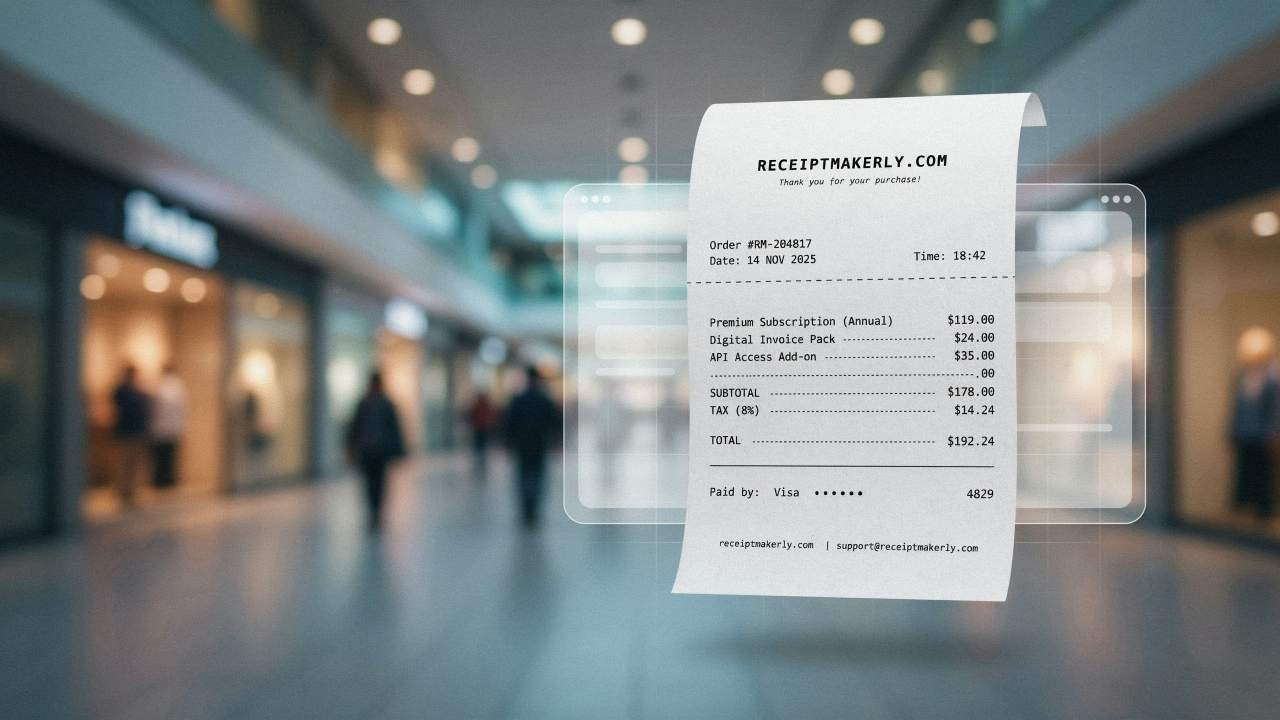
Every business from a corner shop to a supermarket generates them for the same two reasons. Refunds become easy to verify, and the books balance at the end of the month.
Why print receipts at all?
Plenty of businesses now send receipts by email. Printing still earns its place for a few reasons.
- Customers ask for paper. Not everyone wants an emailed receipt. Refusing to print one costs you goodwill over something that costs a fraction of a penny.
- Refunds get faster. When someone walks in holding the receipt, the transaction is already verified.
- A printed receipt carries your branding. Logo, business name, a thank-you line at the bottom. It is one of the few things a customer leaves your shop holding.
- Fewer errors at the counter. A printed record of what was rung up settles disputes before they become arguments.
The tax myth worth clearing up
The old version of this page said you cannot claim expenses or VAT without a printed receipt. That is wrong, and believing it costs businesses time.
The IRS has accepted electronic images as valid substitutes for paper originals since 1997 under Revenue Procedure 97-22. HMRC also accepts scanned and digital copies, with one narrow exception. C79 import VAT certificates must be retained in their original form.
The document type matters for VAT, not its format. For UK purchases over £25 you need a proper VAT invoice showing the supplier's VAT number and the VAT rate. A contactless card slip does not qualify, whether you print it or not.
So print receipts because customers want them and your counter runs smoother. Not because a tax office demands paper.
How to print receipt steps: 3 simple stages
Step 1: Build a template that has every field
Knowing how to print receipt layouts properly starts with getting your design right. Decide once what goes on your receipt, then stop rethinking it. A complete receipt carries:
- Your business name, logo, and contact details
- Customer name where relevant
- Each item with quantity, unit price, and line total
- Date and time of the transaction
- Tax amount, broken out separately
- Payment method
- Total paid
- A receipt or transaction number
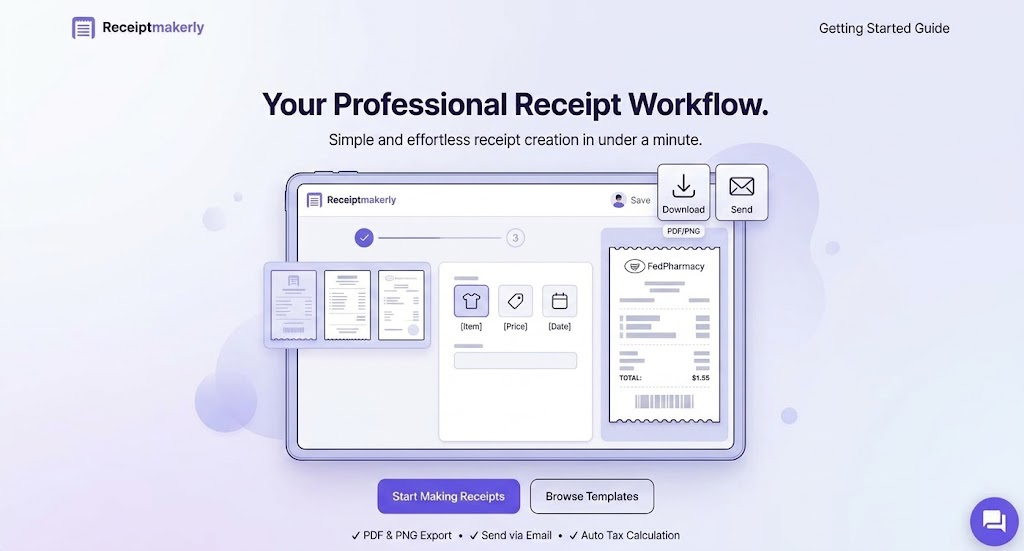
Receiptmakerly handles this side if you do not want to build a layout from scratch. Pick a template, fill the fields, download a PDF or image ready to print.
Design matters more than most owners think. A cramped receipt with a blurry logo says something about the business. A clean one costs exactly the same to print.
Step 2: Match the printer and the paper
This is the step that goes wrong, so it gets the most detail.
Thermal or impact
Thermal printers use heat on coated paper. No ink, no ribbons, very few moving parts, and they are the standard in retail and hospitality. Impact printers strike a ribbon against ordinary bond paper. They are slower and noisier, but they survive heat, grease, and humidity, which is why kitchens still use them.
The two are not interchangeable. Thermal paper comes out blank in an impact printer. Bond paper comes out blank in a thermal one.
80mm or 58mm
Roughly 3.15 inches versus 2.25 inches. 80mm is standard for countertop POS in shops and restaurants, because the extra width fits item descriptions, a logo, and a QR code. 58mm fits about 32 characters per line, which suits a food truck, a market stall, or a simple payment confirmation. Paper for 58mm also runs meaningfully cheaper across a year.
Check both roll diameter and core size before buying. A roll can be the correct width and still not fit the compartment.
Check ESC/POS compatibility
If your POS software says it supports ESC/POS, buy a printer that lists ESC/POS support. Skipping this is how people end up with a printer that works only when someone writes custom code for it.
Buy for your volume
A shop ringing 30 sales a day needs one printer. A supermarket with eight checkouts needs eight. Thermal printheads last somewhere around 50 to 150km of printed paper. Cutters and feed motors usually give out before the electronics do.
Step 3: Print, hand over, and keep a copy
Mastering how to print receipt copies efficiently means setting up a workflow for both physical and digital backup.
Print two: one for the customer, one for you.
Give the customer an itemized receipt rather than a total-only slip. If they come back for a refund or an exchange, itemized detail settles it in seconds.
Keep your copy somewhere it will still be readable later. Thermal print fades. Heat, sunlight, and friction all degrade it, and a thermal receipt in a hot storeroom can be unreadable within a year. If a receipt matters for your records, scan it or photograph it the same week.
Do you still need to print everything?
No, and this is where a lot of paper gets wasted.
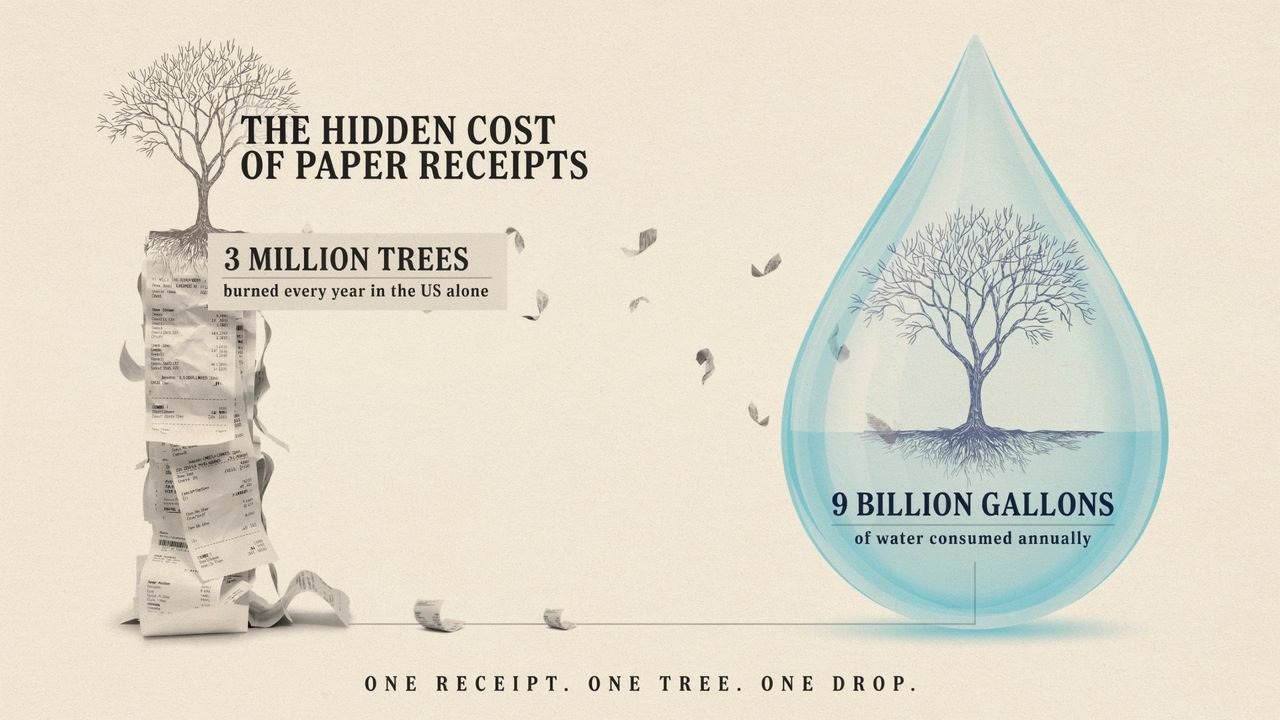
Print what customers ask for and what your counter needs. For your own records, a digital copy is usually the better archive, because it does not fade and it can be searched. Various apps for Receipt Scanning will capture a slip and pull out the vendor, date, and total automatically.
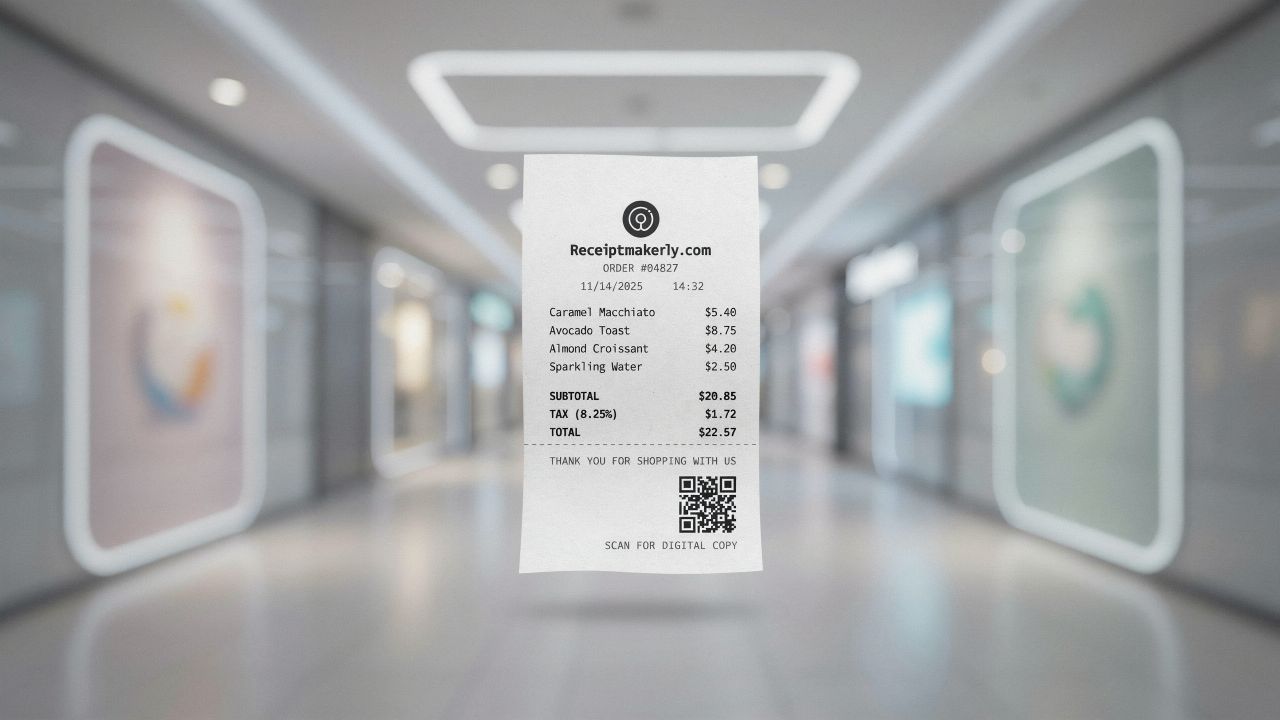
A reasonable middle ground: print for the customer, keep your own copy digital.
Small things that improve printed receipts
Put a thank-you line at the bottom. It costs nothing and people notice it.
Keep spare rolls where the person on the till can reach them. Running out mid-transaction during a queue is the kind of small failure customers remember.
Check the print density every few months. Faded output usually means the printhead needs cleaning, not that the printer is finished.
Do not print duplicates the customer did not ask for. Two copies of everything doubles your paper spend for no benefit.
Frequently Asked Questions About How to Print Receipt Files
What kind of printer do I need to print receipts?
A thermal receipt printer for most shops and restaurants, because it is fast, quiet, and needs no ink. Choose an impact printer instead if the printer sits somewhere hot or greasy, like a kitchen pass, where thermal paper struggles.
Can I print a receipt on a normal home printer?
Yes. Generate the receipt as a PDF and print it on standard A4 or letter paper. It will not look like a till roll, but it is perfectly valid for invoicing, reimbursement, or sending a copy to a customer after the fact.
What is the difference between 80mm and 58mm receipt paper?
Width, and how much fits on a line. 80mm is about 3.15 inches and handles logos, QR codes, and long item descriptions. 58mm is about 2.25 inches and fits roughly 32 characters per line, which works for short receipts and portable printers.
Why do my printed receipts fade?
Thermal paper reacts to heat, so heat is also what destroys it. Sunlight, warm storage, and friction all wear the print away. Scan anything you need to keep, and store paper copies somewhere cool and dark.
How many receipt printers does a shop need?
One per checkout lane, roughly. A single till runs fine on one printer. Once you have multiple checkouts, each needs its own. Sharing one printer between lanes creates a queue at exactly the wrong moment.
Conclusion
Printing receipts is straightforward once the template, printer, and paper actually match each other. Most of the frustration comes from mismatched hardware, not from the printing itself.
Get the three steps right and the job becomes background noise. Just do not print for the wrong reason: your tax records are safer digital, and your customers are the ones who actually want the paper.
Use Receiptmakerly to create polished, export-ready receipts in minutes.