The paper vs online receipts question usually gets a list of reasons to go digital and nothing on the other side. This one covers both, because paper still wins in a few cases and pretending otherwise helps nobody.
TL;DR
- Online wins on cost, speed, and storage. No rolls, no postage, no filing cabinet, and the record is searchable.
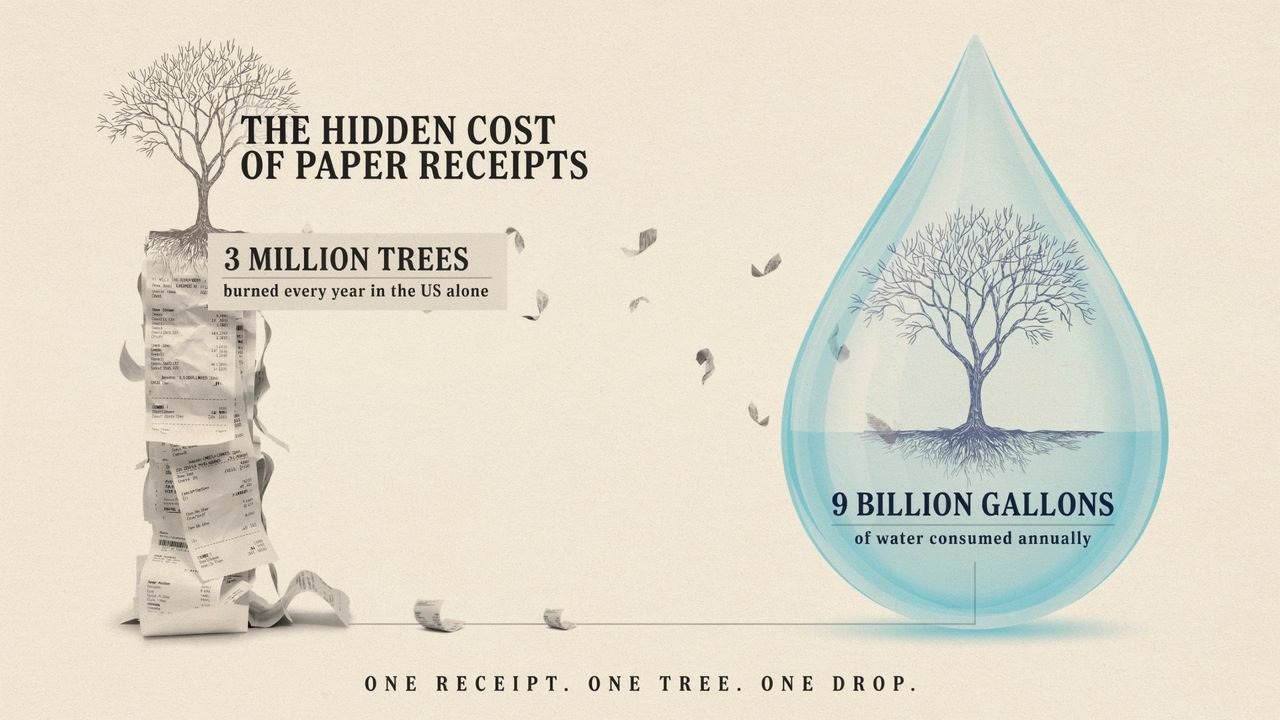
- Paper receipts cost more than you think. US production burns over 3 million trees and nearly 9 billion gallons of water a year.
- Digital is fully accepted for tax. The IRS has taken electronic records since 1997, and HMRC accepts scans.
- Online payment options roughly double how fast you get paid.
- Paper still wins when the customer has no email, the venue has no signal, or the record must be signed on the spot.
Paper vs online receipts: the environmental cost
Paper receipts cost more than most people assume. Making them in the US alone burns more than 3 million trees a year, plus close to 9 billion gallons of water.
There is a health angle too. Most thermal receipts carry a coating of BPA or BPS. Skin takes these in on contact, and they disrupt hormones. Cashiers handle hundreds a shift.
You can go further and work with vendors who use e-bills or scanned receipts instead of paper.
Cost: the small numbers add up
Paper billing costs more than the paper. Envelopes, stamps, ink, printer upkeep, and the space to store it all.
None of it costs much per sale. Across a year of posted invoices, it is a line you can delete by emailing instead.
Speed: this is where the money is
Posting an invoice adds days before the client even opens it. Then it sits on a desk.
Digital removes that gap. The document lands in minutes. If it carries a payment link, the client can settle it in the same motion. Xero found firms using online invoice payments get paid up to twice as fast, against a US average wait of 29.3 days.
Reminders help too, and paper cannot send those at all.
Access and storage
Digital records are searchable. Paper records are a drawer.
A digital archive travels with you and works from any device. Several people can open the same file at once. When you organize receipts digitally, finding one from eighteen months back takes seconds, not an afternoon.
It also lasts. Thermal print fades in heat and light, so a paper slip in a warm office can go blank inside a year. A backed-up file does not.
Security cuts both ways
Paper can be lost, taken from a bag, or read by anyone who picks it up. A posted cheque can go missing.
Digital drops those risks and adds new ones. An inbox can be breached, and a file with card details is worth attacking. Encrypt what you store, control who can open it, and back up in two places. The risk shifts, it does not vanish. Any guide that says digital is simply safer is skipping half the story.
Tax authorities accept digital
This stops a lot of businesses unnecessarily.
The IRS has taken digital copies in place of paper since 1997, under Revenue Procedure 97-22. HMRC accepts scans too. The one exception is the C79 import VAT certificate, which must stay in its original form.
The copy has to be whole and readable. Past that, no tax office is asking for paper.
Where paper still wins
Digital is the right default. It is not right every time, and these are the cases to plan for.
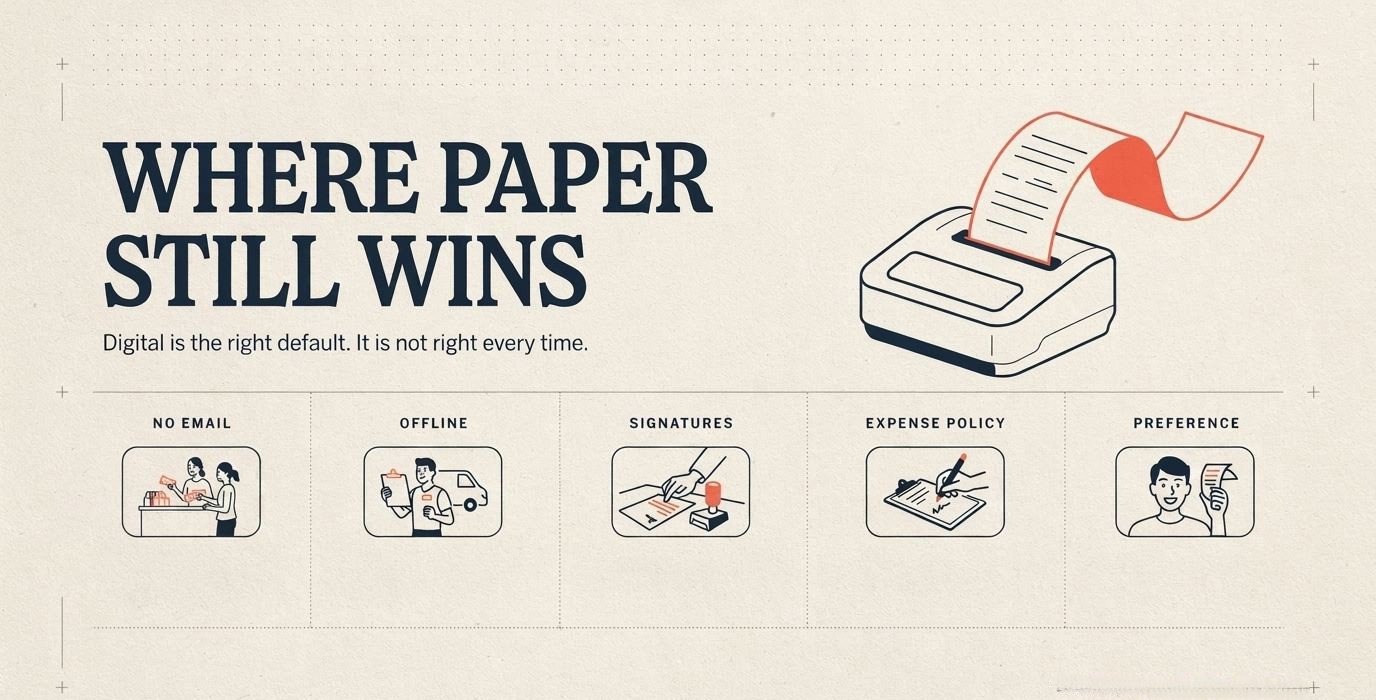
- The customer has no email. Some people will not give an address. Some do not have one they check. Refusing to print costs you goodwill over a fraction of a penny.
- Your connection drops. A market stall, a van, a basement venue. If the till cannot reach the internet, printing out a receipt is the only thing that works.
- Something needs signing on the spot. Delivery notes and some service sign-offs are still simplest on paper.
- An expense policy demands it. Plenty of company expense systems still ask for a paper copy, whatever the tax rules say.
- The customer just prefers it. That is a good enough reason on its own.
Paper vs online receipts: which should you use?
Default to digital and keep paper as an option. That is the whole answer for most businesses.
Send receipts and invoices by email, store your own copies digitally, and keep a printer stocked for the cases above. You get the cost and speed gains without leaving anyone stuck at the counter.
Where Receiptmakerly fits
One scope note, because it matters. Receiptmakerly makes receipts, not invoices. It does not send payment reminders, track who owes you money, or handle cash flow. For the invoice side you want a payment processor or dedicated invoicing software.
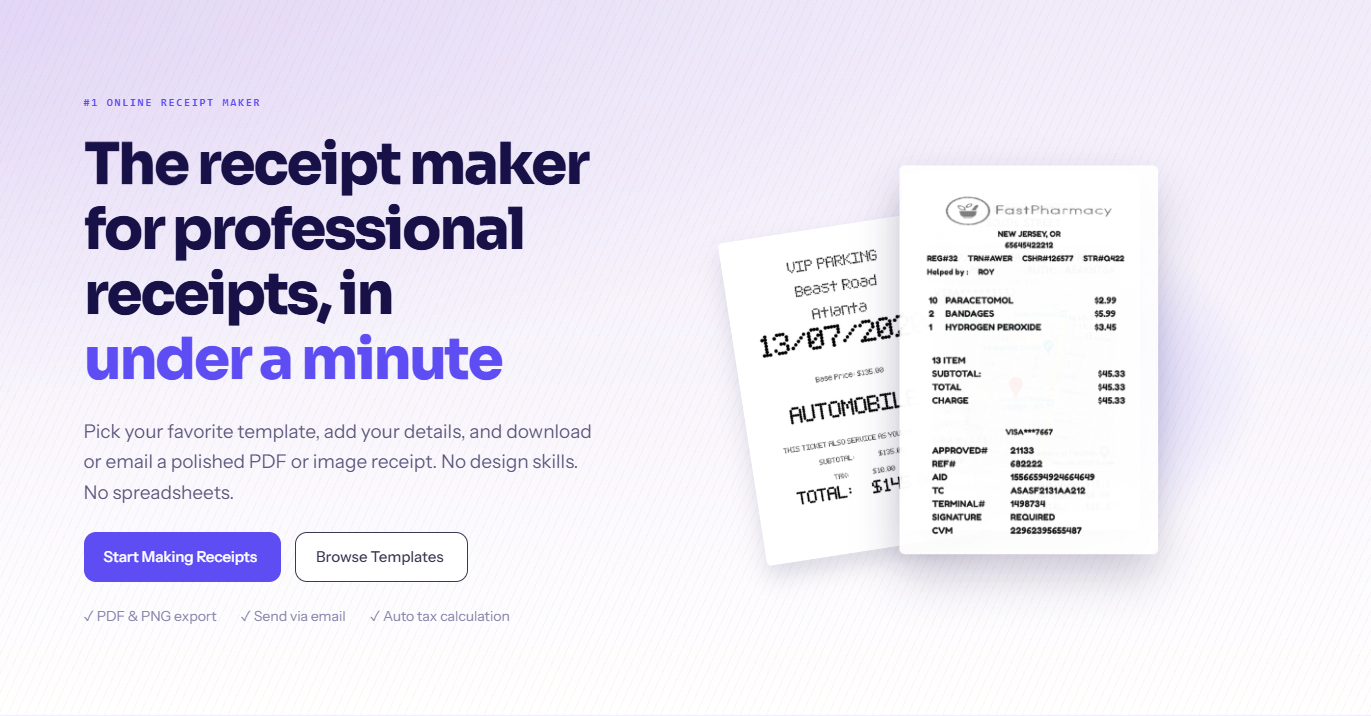
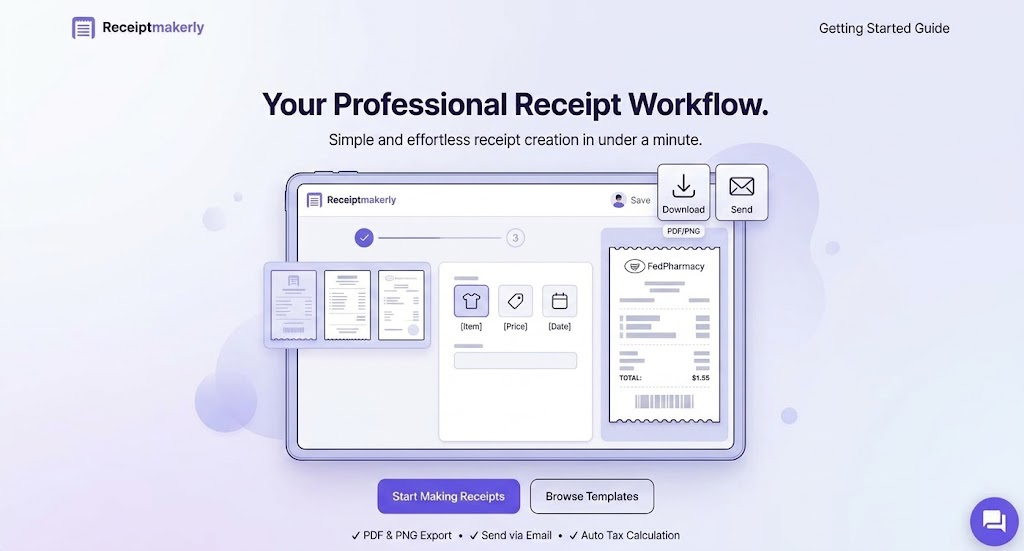
What it does is make the receipt itself. More than 50 templates, 19 currencies, automatic tax math, and download as PDF or image. Every receipt saves to your account, so reissuing one month later takes a couple of clicks. If you came looking for an online invoice generating tool, this is the receipts half of that job.
Frequently asked questions about Paper vs online receipts
Are online receipts legally valid?
Yes. The IRS has taken digital copies since 1997, and HMRC accepts scans as well. The copy just has to be whole and readable.
Can I stop printing receipts entirely?
Not quite. Keep a printer for buyers who ask, for times the connection drops, and for anything needing a signature. Digital by default, paper as backup.
Do online invoices actually get paid faster?
Yes, when they carry a payment link. firms using online invoice payments get paid up to twice as fast. An emailed invoice with no way to pay from it is barely quicker than post.
Is digital more secure than paper?
Differently secure. Paper can be lost or stolen. Digital can be breached. Locked-down storage beats a drawer, but you have to set it up.
What about receipts I already have on paper?
Scan them. The IRS and HMRC both accept the digital copy. Once you have a clear scan you can recycle the original, subject to your own local rules.
Final thoughts
The paper vs online receipts question is not close on cost, speed, or storage. Digital wins all three, and the tax offices settled the validity point decades ago.
What changes is where the work sits. You stop managing paper and start managing data. That means backups, encryption, and access control are now your job. Handle those, keep a printer for the odd case, and the switch pays for itself.
Use Receiptmakerly to create polished, export-ready receipts in minutes.